Turning a Home Lab into a Private Cloud
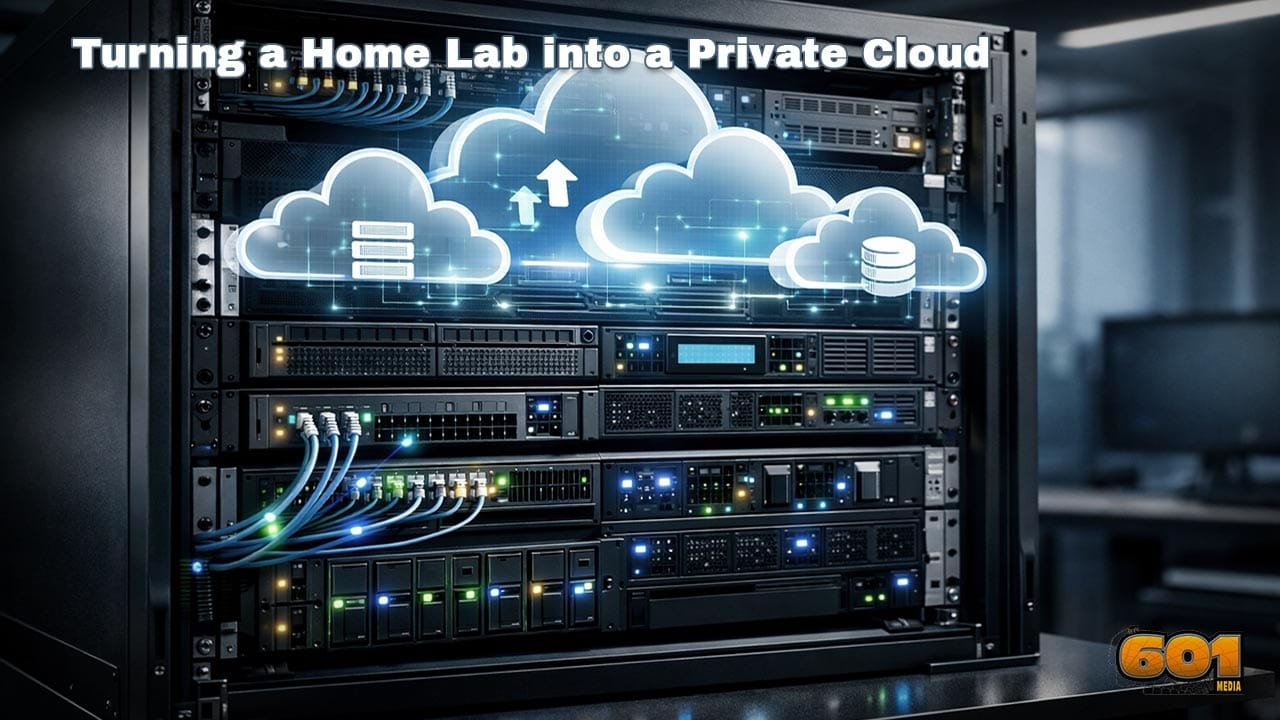
A home lab is often the first serious step into hands-on infrastructure learning. With the right architecture, tooling, and operational mindset, that same home lab can evolve into a fully functional private cloud—capable of running production-grade workloads, supporting automation, and delivering cloud-like flexibility without vendor lock-in.
Table of Contents
- What a Private Cloud Really Is
- Why Home Labs Are Ideal Foundations
- Core Infrastructure Requirements
- Choosing the Right Virtualization Layer
- Designing Cloud-Grade Storage
- Networking Like a Cloud Provider
- Automation and Infrastructure as Code
- Security and Identity Management
- Operating Your Private Cloud
- Scaling and Future Expansion
- Top 5 Frequently Asked Questions
- Final Thoughts
- Resources
What a Private Cloud Really Is
A private cloud is not defined by hardware size or cost. It is defined by capabilities. At its core, a private cloud delivers self-service provisioning, resource pooling, elasticity, automation, and measurable usage—without relying on public cloud providers. The National Institute of Standards and Technology defines cloud computing through five essential characteristics: on-demand self-service, broad network access, resource pooling, rapid elasticity, and measured service. A home lab becomes a private cloud when it intentionally delivers these characteristics rather than merely hosting virtual machines.
Why Home Labs Are Ideal Foundations
Home labs excel because they encourage experimentation without risk. Unlike enterprise environments, you can break systems, rebuild architectures, and test new paradigms freely. This flexibility is essential when transitioning from static infrastructure to cloud-native operations. From an innovation management perspective, home labs function as low-cost innovation sandboxes. Research from Gartner shows that organizations adopting experimental infrastructure environments reduce production deployment failures by up to 40 percent. Your home lab plays that same role—just at a personal scale.
Core Infrastructure Requirements
Turning a home lab into a private cloud does not require enterprise hardware, but it does require intentional design. Compute should be standardized. Mixing CPUs, memory sizes, and architectures complicates scheduling and automation. Three identical nodes often outperform one powerful server in a cloud context because they enable high availability and workload distribution. Memory density matters more than CPU speed for virtualization-heavy environments. For most private clouds, 64–128 GB of RAM per node delivers the best cost-to-capability ratio. Power efficiency is also strategic. A private cloud runs continuously. Modern low-power CPUs can reduce long-term operational costs more than upfront hardware savings.
Choosing the Right Virtualization Layer
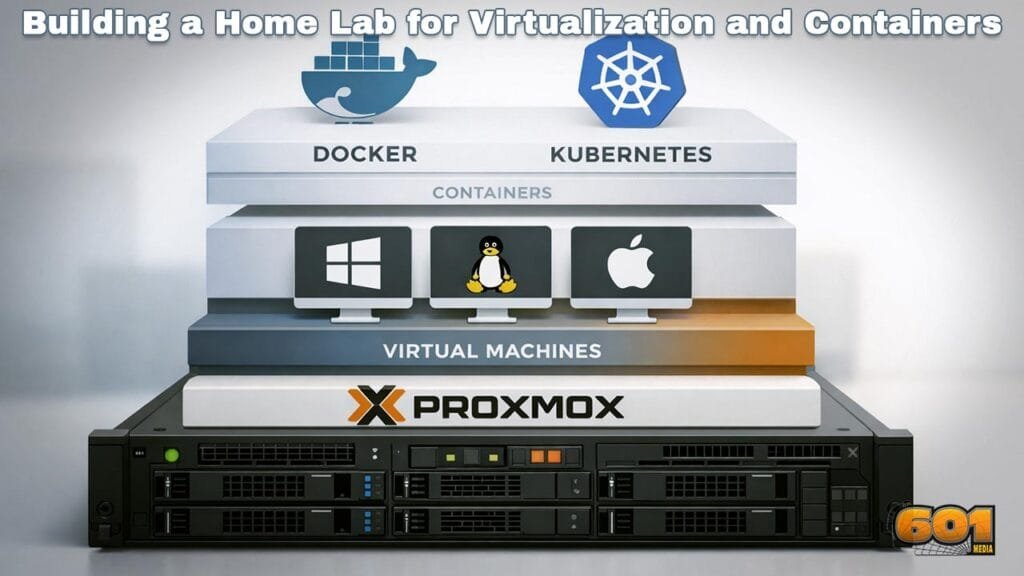
The virtualization layer defines how cloud-like your environment can become. Traditional hypervisors alone are not enough. Platforms such as Proxmox VE, VMware ESXi with vCenter, and KVM-based clusters provide foundational virtualization. However, cloud behavior emerges when virtualization is paired with orchestration. Container orchestration—especially Kubernetes—introduces declarative infrastructure, self-healing workloads, and horizontal scaling. Many private clouds adopt a hybrid model: virtual machines for stateful services and Kubernetes for stateless applications. This layered approach mirrors public cloud architecture and dramatically improves resilience.
Designing Cloud-Grade Storage
Storage is where most home labs fail to become clouds. A single NAS is convenient but creates a critical single point of failure. Private clouds require distributed storage that decouples compute from data. Software-defined storage solutions allow disks across multiple nodes to behave as a unified storage pool. Replication, snapshots, and self-healing are essential features. According to IDC, organizations using distributed storage experience 60 percent fewer data-related outages compared to centralized storage architectures. Performance tiers matter. Fast NVMe storage should be reserved for databases and control planes, while slower disks handle backups and archives.
Networking Like a Cloud Provider
Cloud networking is abstract, segmented, and software-defined. VLANs or VXLANs should isolate management, storage, and tenant traffic. This separation improves both security and performance. Software-defined networking enables microsegmentation, allowing workloads to communicate only when explicitly permitted. Load balancing is another critical capability. A private cloud must present services through stable endpoints even when underlying workloads move or restart. Internal load balancers ensure resilience and scalability.
Automation and Infrastructure as Code
Automation is the defining feature that separates infrastructure from cloud. Infrastructure as Code tools allow you to describe entire environments declaratively. Servers, networks, storage volumes, and firewall rules become reproducible artifacts rather than manual configurations. Automation reduces human error dramatically. A study by Puppet Labs found that high-performing DevOps teams deploy 200 times more frequently with significantly lower failure rates—largely due to automation and version-controlled infrastructure. In a private cloud, automation also accelerates recovery. Entire clusters can be rebuilt from code if hardware fails.
Security and Identity Management
Security must be architectural, not reactive. Identity and access management should be centralized. Users authenticate once and receive role-based permissions across systems. This mirrors zero-trust security models used in enterprise clouds. Encryption should be standard, not optional. Data at rest, data in transit, and secrets storage must all be protected. Automated certificate management prevents expired credentials from becoming outages. Logging and auditing are equally important. A private cloud should always answer three questions: who accessed what, when, and from where.
Operating Your Private Cloud
Operations transform infrastructure into a service. Monitoring provides real-time insight into performance and capacity trends. Metrics-driven decisions prevent overprovisioning and unexpected outages. Alerting must prioritize signal over noise to avoid fatigue. Backup strategies should assume failure, not prevent it. Immutable backups and off-site replication protect against both hardware loss and human error. Documentation is operational infrastructure. Clear runbooks shorten recovery time and reduce cognitive load during incidents.
Scaling and Future Expansion
A private cloud should scale predictably. Horizontal scaling is preferable to vertical upgrades. Adding nodes should increase capacity without rearchitecting systems. This modularity enables gradual investment rather than disruptive overhauls. Future expansion may include hybrid cloud connectivity, GPU acceleration, or edge deployments. Designing with standard APIs and open tools preserves flexibility. Innovation thrives in environments designed to evolve.
Top 5 Frequently Asked Questions
Final Thoughts
Turning a home lab into a private cloud is less about hardware and more about mindset. When infrastructure becomes programmable, resilient, and self-service, it stops being a collection of machines and becomes a platform. The most important takeaway is this: cloud capability emerges from intentional design choices. Automation, abstraction, and operational discipline matter far more than scale. A thoughtfully built private cloud not only rivals public cloud functionality—it builds deep technical mastery that no managed service can replace.
Resources

I am a huge enthusiast for Computers, AI, SEO-SEM, VFX, and Digital Audio-Graphics-Video. I’m a digital entrepreneur since 1992. Articles include AI researched information. Always Keep Learning! Notice: All content is published for educational and entertainment purposes only. NOT LIFE, HEALTH, SURVIVAL, FINANCIAL, BUSINESS, LEGAL OR ANY OTHER ADVICE. Learn more about Mark Mayo