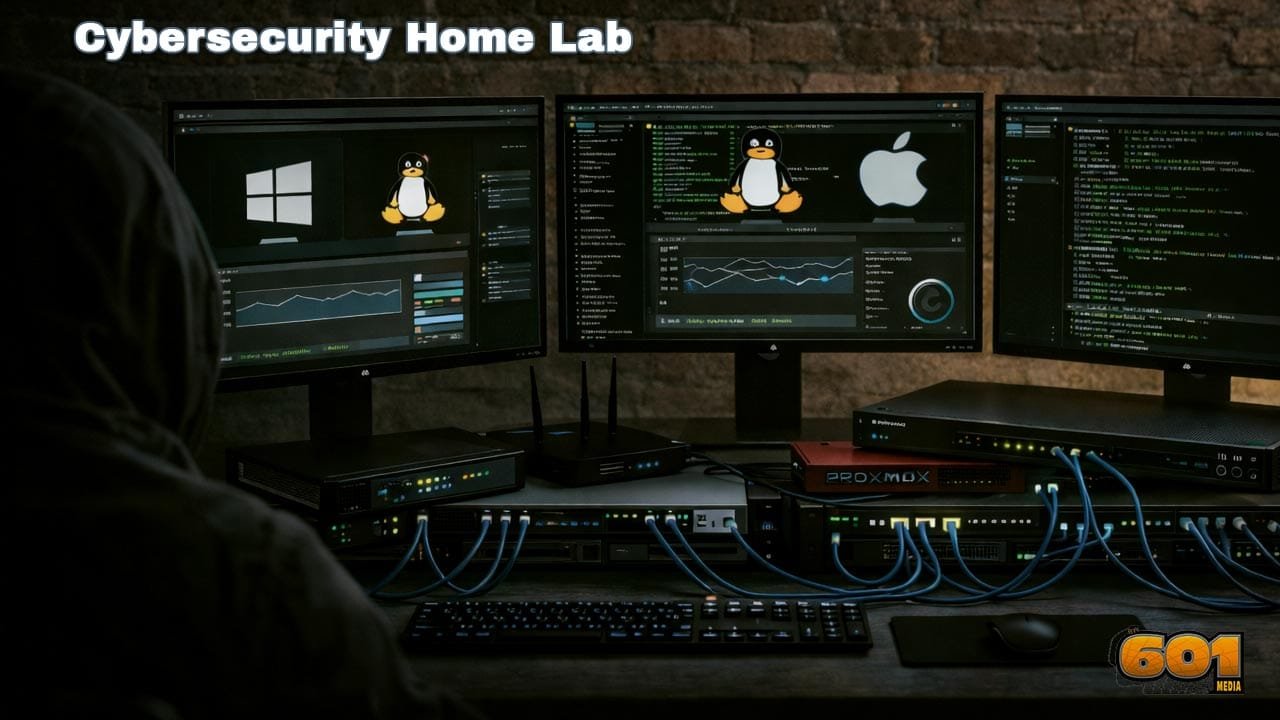
Home Labs for Cybersecurity and Ethical Hacking
A home lab is the single most effective way to build real-world cybersecurity and ethical hacking skills without risking production systems. By simulating enterprise-grade environments at home, learners and professionals can safely practice attacks, defenses, and incident response workflows that mirror modern cyber threats.
Table of Contents
- What Is a Cybersecurity Home Lab?
- Why Home Labs Matter in Cybersecurity
- Core Components of a Home Lab
- Ethical Hacking Use Cases
- Defensive and Blue Team Use Cases
- Building Your First Home Lab
- Common Home Lab Mistakes
- Career Impact and Skill Validation
- Top 5 Frequently Asked Questions
- Final Thoughts
- Resources
What Is a Cybersecurity Home Lab?
A cybersecurity home lab is a self-contained testing environment designed to replicate real-world networks, systems, and attack surfaces. It allows users to deploy vulnerable machines, defensive tools, and monitoring systems without legal or ethical risk. Unlike theoretical learning, home labs provide experiential learning. Users actively exploit misconfigurations, deploy malware in controlled environments, and analyze attack paths from initial access to persistence and exfiltration.
Why Home Labs Matter in Cybersecurity
Cybersecurity is a skill-based discipline. Employers consistently report a gap between certifications and practical ability. According to ISC² workforce studies, over 70% of hiring managers prioritize hands-on experience over academic credentials. Home labs close this gap by enabling repeated practice, failure, and experimentation. They also allow learners to keep pace with rapidly evolving threat techniques such as fileless malware, credential dumping, and lateral movement.
Core Components of a Home Lab
A functional home lab does not require enterprise hardware, but it must be architected correctly. Virtualization is the foundation. Tools such as VirtualBox, VMware Workstation, or Proxmox allow multiple operating systems to run simultaneously. A typical lab includes attacker machines, victim systems, and infrastructure services. Operating systems commonly used include Kali Linux for offensive testing, Windows Server for Active Directory simulations, and Ubuntu Server for hosting applications and services. Networking is critical. Isolated virtual networks prevent accidental exposure to the internet while enabling realistic attack paths such as pivoting and privilege escalation.
Ethical Hacking Use Cases
For ethical hackers and penetration testers, home labs enable end-to-end attack simulation. Users can practice reconnaissance techniques such as port scanning, service enumeration, and OS fingerprinting. Exploitation scenarios include SQL injection, cross-site scripting, buffer overflows, and password cracking. Advanced labs simulate enterprise attacks such as domain compromise, Kerberoasting, pass-the-hash attacks, and persistence mechanisms. These skills directly map to real penetration testing engagements and red team operations.
Defensive and Blue Team Use Cases
Home labs are equally valuable for defenders. Blue team professionals can deploy SIEM tools, intrusion detection systems, and endpoint monitoring solutions. By generating real attack traffic, defenders learn how alerts are triggered, how logs correlate, and how attackers evade detection. This improves threat hunting accuracy and incident response speed. Simulated ransomware attacks allow teams to test backup strategies, containment procedures, and recovery workflows without risking business data.
Building Your First Home Lab
Beginners should start simple. A single host machine with 16 GB of RAM is sufficient for most entry-level labs. A recommended starting setup includes one attacker machine, one vulnerable Linux server, and one Windows system. As skills mature, additional components such as Active Directory, firewalls, and logging servers can be added. Documentation is essential. Keeping notes, diagrams, and attack logs turns a home lab into a professional portfolio that can be showcased during interviews.
Common Home Lab Mistakes
The most common mistake is overengineering. Complex labs often lead to configuration fatigue and abandoned projects. Another critical error is connecting vulnerable machines directly to the internet. This creates legal risk and can expose systems to real attackers. Finally, many learners focus only on tools instead of understanding underlying concepts. Home labs should emphasize methodology, not automation.
Career Impact and Skill Validation
Home labs significantly accelerate career progression. Recruiters increasingly value demonstrable skills such as GitHub repositories, write-ups, and recorded lab walkthroughs. Certifications like CEH, OSCP, and Security+ become more achievable when supported by consistent lab practice. More importantly, professionals gain confidence in live environments where mistakes are costly.
Top 5 Frequently Asked Questions
Final Thoughts
Home labs are the backbone of modern cybersecurity education. They transform passive learning into active mastery, allowing ethical hackers and defenders to develop intuition, adaptability, and technical depth. In an industry defined by constant change, the ability to experiment safely and continuously is not optional. A well-designed home lab is not just a learning tool—it is a long-term career investment.
Resources

I am a huge enthusiast for Computers, AI, SEO-SEM, VFX, and Digital Audio-Graphics-Video. I’m a digital entrepreneur since 1992. Articles include AI researched information. Always Keep Learning! Notice: All content is published for educational and entertainment purposes only. NOT LIFE, HEALTH, SURVIVAL, FINANCIAL, BUSINESS, LEGAL OR ANY OTHER ADVICE. Learn more about Mark Mayo