Low-Cost Home Lab Builds for Enterprise IT Skills
Learning enterprise IT no longer requires access to a corporate data center or expensive hardware. A thoughtfully designed home lab can replicate real-world enterprise environments at a fraction of the cost, enabling hands-on experience with virtualization, networking, security, automation, and cloud-native technologies. This article explains how to build a low-cost home lab, what skills it develops, and how it aligns with modern enterprise IT practices.
Table of Contents
- Why Home Labs Matter for Enterprise Skills
- Budget Hardware Foundations
- Virtualization and Hypervisors
- Enterprise Networking at Home
- Storage, Backup, and Resilience
- Security and Identity Management
- Automation and DevOps Skills
- Career and Certification Alignment
- Top 5 Frequently Asked Questions
- Final Thoughts
- Resources
Why Home Labs Matter for Enterprise Skills
Home labs bridge the gap between theory and execution. Enterprise environments demand operational fluency, not just conceptual understanding. According to IDC, over 65 percent of IT hiring managers prioritize hands-on experience over certifications alone. A home lab provides a controlled environment to experiment, fail safely, and iterate. From an innovation and technology management perspective, home labs encourage systems thinking. You learn how infrastructure, applications, and users interact under real constraints such as latency, resource contention, and security boundaries.
Budget Hardware Foundations
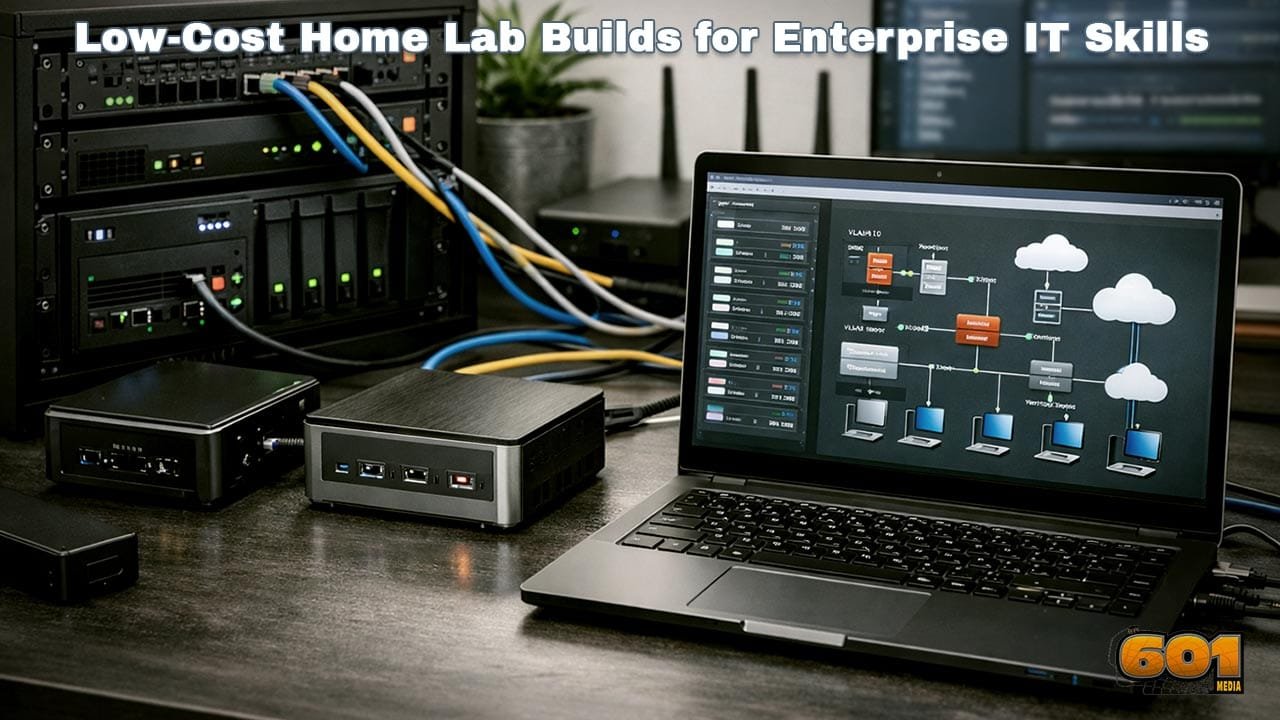
Low-cost does not mean underpowered. Enterprise skills depend more on architecture than raw performance. Refurbished small form factor PCs, such as business-class desktops with 16–32 GB of RAM, offer excellent price-to-performance ratios. Many professionals also repurpose old laptops or use energy-efficient mini PCs. ARM-based devices can supplement x86 systems for learning heterogeneous infrastructure, a growing trend in modern data centers. Key selection principles include expandability, virtualization support, and power efficiency. A single $300 system can host dozens of virtual machines when properly configured.
Virtualization and Hypervisors
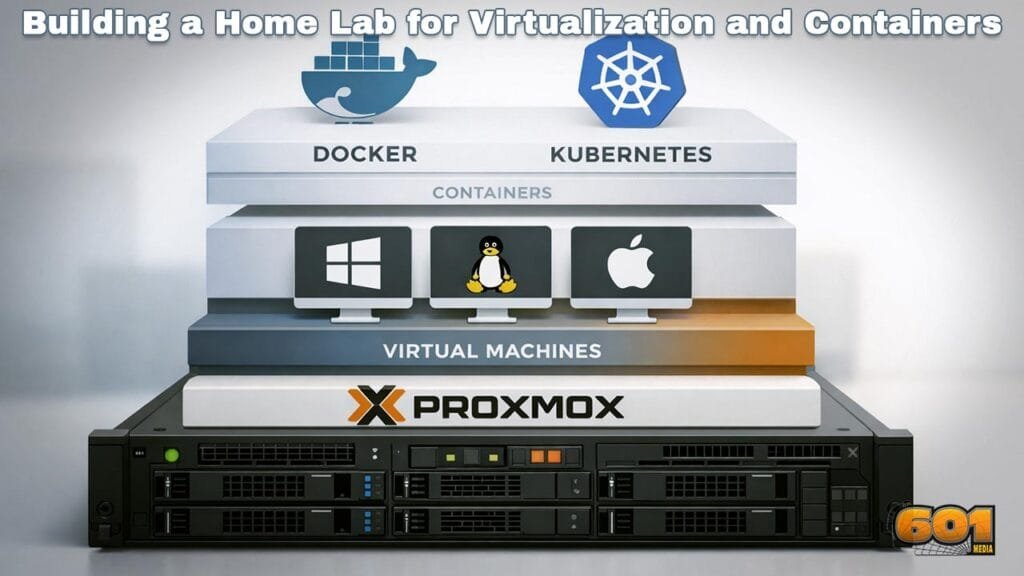
Virtualization is the backbone of enterprise IT. A home lab enables practical experience with bare-metal and hosted hypervisors. Platforms such as Proxmox and VMware allow you to deploy clustered environments, configure high availability, and manage resource pools. These skills translate directly to enterprise roles in infrastructure and cloud operations. Running multiple operating systems simultaneously also supports testing patch management, OS hardening, and lifecycle planning.
Enterprise Networking at Home
Enterprise networking concepts can be simulated effectively without expensive switches. Virtual networking enables VLANs, routing, firewall rules, and traffic shaping. Open-source firewalls such as pfSense and OPNsense expose learners to enterprise-grade security controls. These tools support VPNs, intrusion detection, and policy-based routing, mirroring real organizational environments. Understanding network segmentation is especially valuable, as zero-trust architectures continue to replace flat networks.
Storage, Backup, and Resilience
Enterprise systems fail. Home labs allow you to design for failure rather than avoid it. Software-defined storage solutions like TrueNAS demonstrate redundancy, snapshots, and replication. These concepts underpin disaster recovery strategies used by enterprises globally. Practicing backup validation and restore testing builds operational maturity, a critical yet often overlooked enterprise skill.
Security and Identity Management
Security is no longer a siloed function. Enterprise IT professionals must understand identity, access, and monitoring. Home labs can host directory services, certificate authorities, and centralized logging. Implementing role-based access control reinforces governance principles used in regulated industries. From a management standpoint, this reinforces risk-based decision-making and security-by-design thinking.
Automation and DevOps Skills
Automation distinguishes modern IT teams from legacy operations. Tools like Ansible and container platforms such as Docker enable repeatable deployments and configuration management. These practices align closely with DevOps and Site Reliability Engineering models. Automation also supports innovation by reducing operational friction and enabling faster experimentation.
Career and Certification Alignment
Home labs map directly to enterprise certifications and job roles. Skills practiced align with cloud engineering, systems administration, cybersecurity, and platform engineering paths. More importantly, they provide narratives for interviews. Being able to explain design decisions, trade-offs, and failures demonstrates senior-level thinking even at early career stages.
Top 5 Frequently Asked Questions
Final Thoughts
A low-cost home lab is more than a technical playground. It is a strategic learning platform that cultivates enterprise thinking, operational discipline, and innovation mindset. By designing systems, securing them, automating workflows, and recovering from failures, learners gain the same competencies demanded by modern enterprises—without enterprise budgets.
Resources
- IDC IT Skills Survey – Hands-On Experience Trends
- NIST Cybersecurity Framework Documentation
- Official Documentation: Proxmox, VMware, Ansible, Docker

I am a huge enthusiast for Computers, AI, SEO-SEM, VFX, and Digital Audio-Graphics-Video. I’m a digital entrepreneur since 1992. Articles include AI researched information. Always Keep Learning! Notice: All content is published for educational and entertainment purposes only. NOT LIFE, HEALTH, SURVIVAL, FINANCIAL, BUSINESS, LEGAL OR ANY OTHER ADVICE. Learn more about Mark Mayo